Quick answer
Yes - UK small businesses can use AI-powered workflow automation to send timed payment reminder sequences, escalate overdue invoices, and flag problem accounts without any manual intervention. The system integrates with accounting software like Xero, QuickBooks, or Sage to trigger reminders automatically when invoices pass their due date, typically recovering payment faster and freeing up admin time.
The scale of the UK late payment problem
Late payment is one of the most persistent cash flow threats facing UK small businesses. Research commissioned by the Department for Business and Trade and the Office of the Small Business Commissioner, published in July 2025, estimates that businesses are owed around £26 billion in late payments at any given time - £17,000 on average per business affected - and that 14,000 businesses close each year because of late payments.
The same research found that businesses affected by late payment spend an average of 86 hours a year chasing it.
Manual chasing is the traditional answer, but it consumes significant time and requires consistent follow-through that busy owner-operators rarely manage.
How AI automates the chasing process
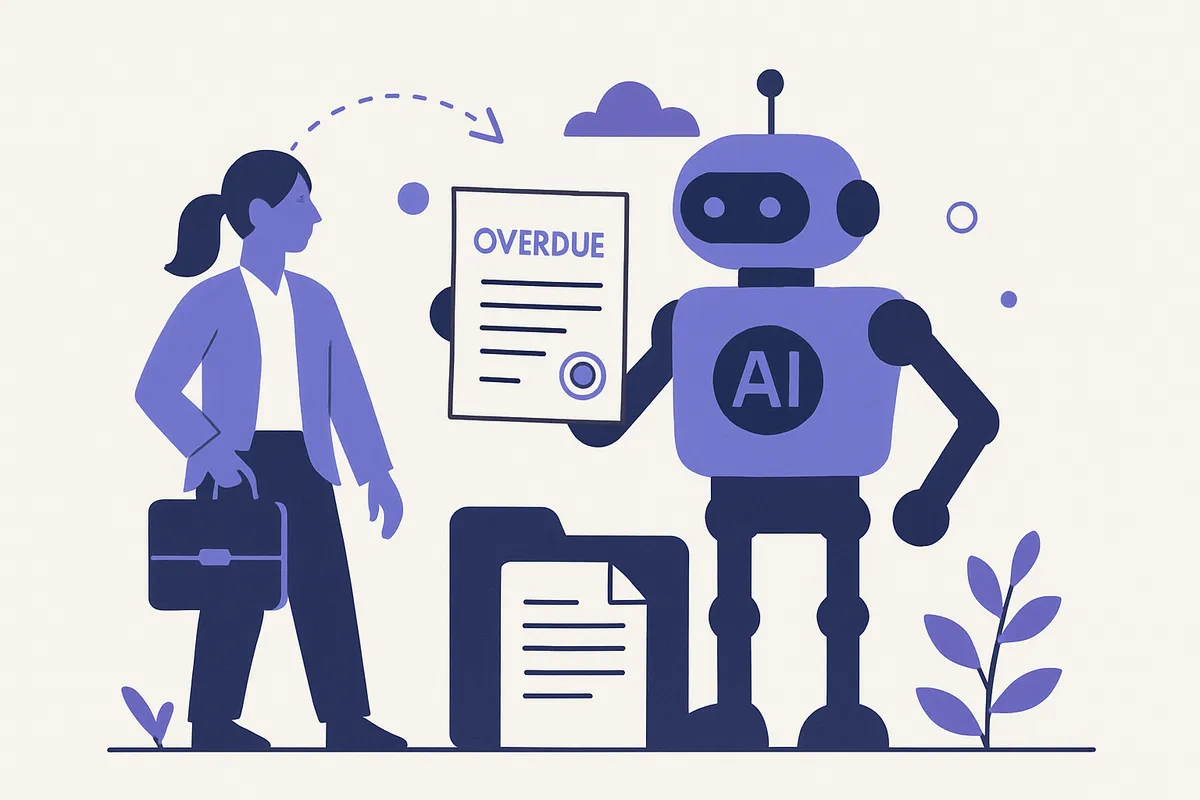
AI invoice chasing works through workflow automation connected to your accounting software. When an invoice passes its due date, the system triggers a pre-written reminder sequence without any manual input.
A typical sequence runs in stages: a friendly nudge at one day overdue, a firmer reminder at seven days, a formal notice at 14 days, and a flagged alert to you at 30 days for personal intervention. Each message is personalised with the invoice details, amount, and client name.
The key difference from a basic email template is that the system monitors replies, pauses the sequence if payment is confirmed, and adjusts escalation based on each client's history.
What the reminder sequence looks like in practice
A cleaning company running 40 to 60 invoices per month might previously spend 90 minutes every week identifying overdue accounts and sending individual chase emails. With automation, those reminders go out automatically on schedule.
The first message reads like a genuine assistant checking in. Subsequent messages become progressively firmer, and the final stage can include a statutory interest notice referencing the Late Payment of Commercial Debts Act 1998, which applies to B2B invoices in the UK.
The business owner only needs to get involved when an account reaches a defined threshold - for example, 30 days overdue with no response - at which point the system flags it for a direct call.
Integration with UK accounting software
The most common integrations are with Xero, QuickBooks, Sage, and FreeAgent, which together cover the majority of UK small businesses. The automation reads invoice status, payment dates, and client contact details directly from the platform.
This means no double-entry and no risk of chasing invoices that have already been paid. The system updates in real time as payments are recorded.
For businesses using bespoke invoicing systems, integration is still possible via API connections or data exports, though this requires more configuration at the outset.
When automated invoice chasing works best
This type of automation delivers the most value for businesses issuing a high volume of invoices to multiple clients on rolling terms - trades businesses, cleaning companies, accountants, recruiters, and consultancies are typical examples.
It works less well where invoices are large, one-off, and relationship-sensitive - in those cases, a personal call is usually more appropriate than an automated sequence, and the system can be configured to exclude specific accounts or invoice sizes from the automation entirely.
The goal is not to replace human judgement at the high-stakes end, but to remove the routine, repetitive chasing that currently falls through the cracks or consumes disproportionate time.
Frequently Asked Questions
What accounting software does AI invoice chasing integrate with?
Most AI invoice automation integrates with the major UK accounting platforms including Xero, QuickBooks, Sage, and FreeAgent. The automation reads invoice status directly from the software and triggers reminders based on due dates, payment history, and escalation rules you define.
Will automated payment reminders damage my client relationships?
Not if they are configured thoughtfully. The first reminder is typically friendly and assumes an oversight, with tone escalating only if payment remains outstanding after further intervals. Many businesses find clients appreciate consistent, professional reminders over ad-hoc chasing calls.
Can AI invoice chasing comply with UK payment regulations?
Yes - the automation follows the messaging and timing rules you set, and can include statutory interest notices in line with the Late Payment of Commercial Debts Act 1998 when invoices reach a specified age. You retain full control over the content and escalation thresholds.
How much admin time does automated invoice chasing save?
Research for the Small Business Commissioner (2025) found businesses affected by late payment spend an average of 86 hours a year chasing it. Automating reminders and escalations eliminates most of that, with the system handling routine follow-ups and only flagging genuinely problematic accounts for human attention.
Want to see how this works for your business?
Learn more